



Game Frame
Frame generation, upscaling and FPS control in one app.
Game Frame brings frame generation, upscaling, an FPS limiter and latency controls together for Windows games, and keeps each game's settings in its own profile.
Features
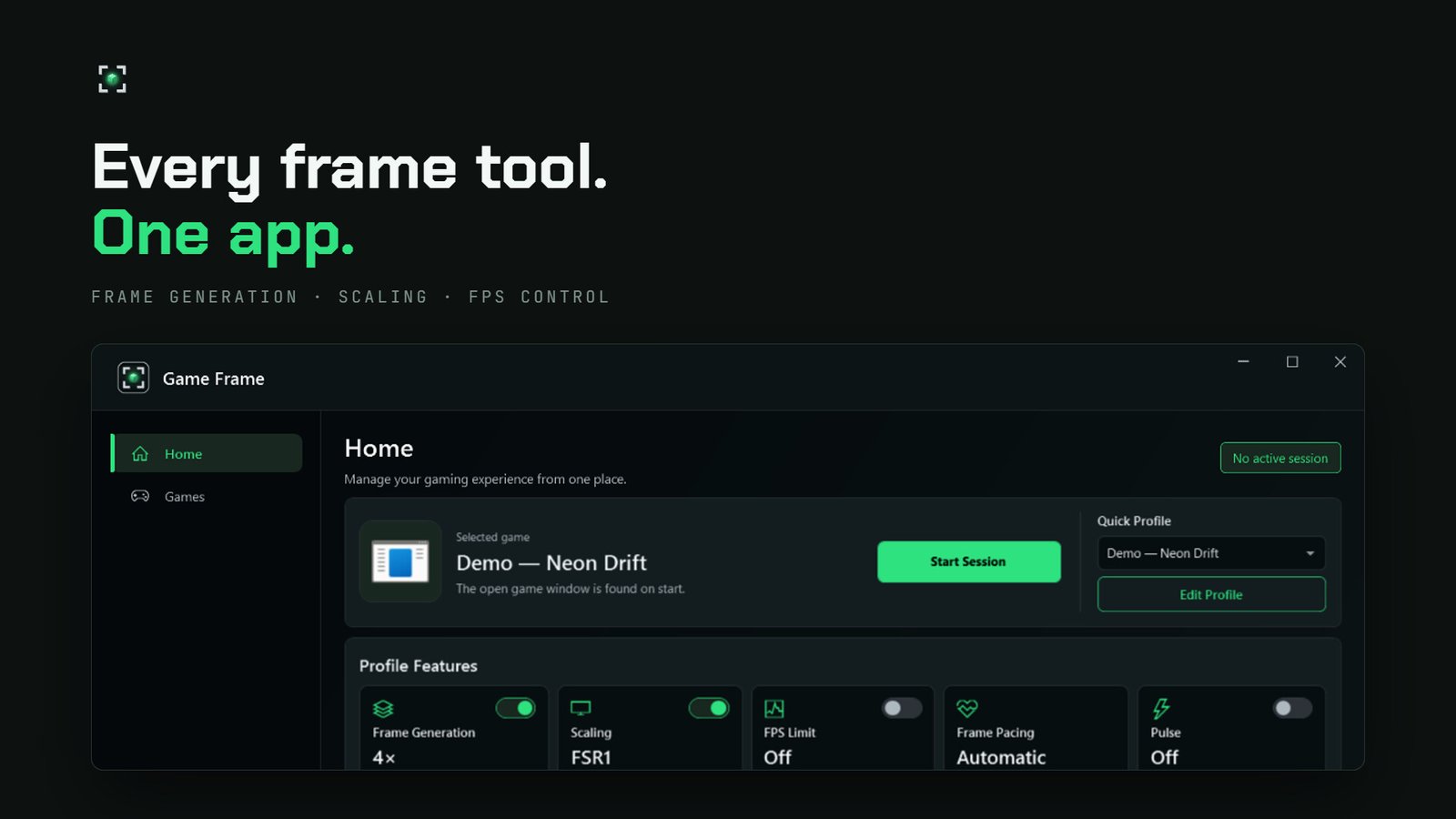
One window instead of separate tools
Frame generation and upscaling work together or on their own. The FPS limiter and latency controls work with frame generation turned off, too.
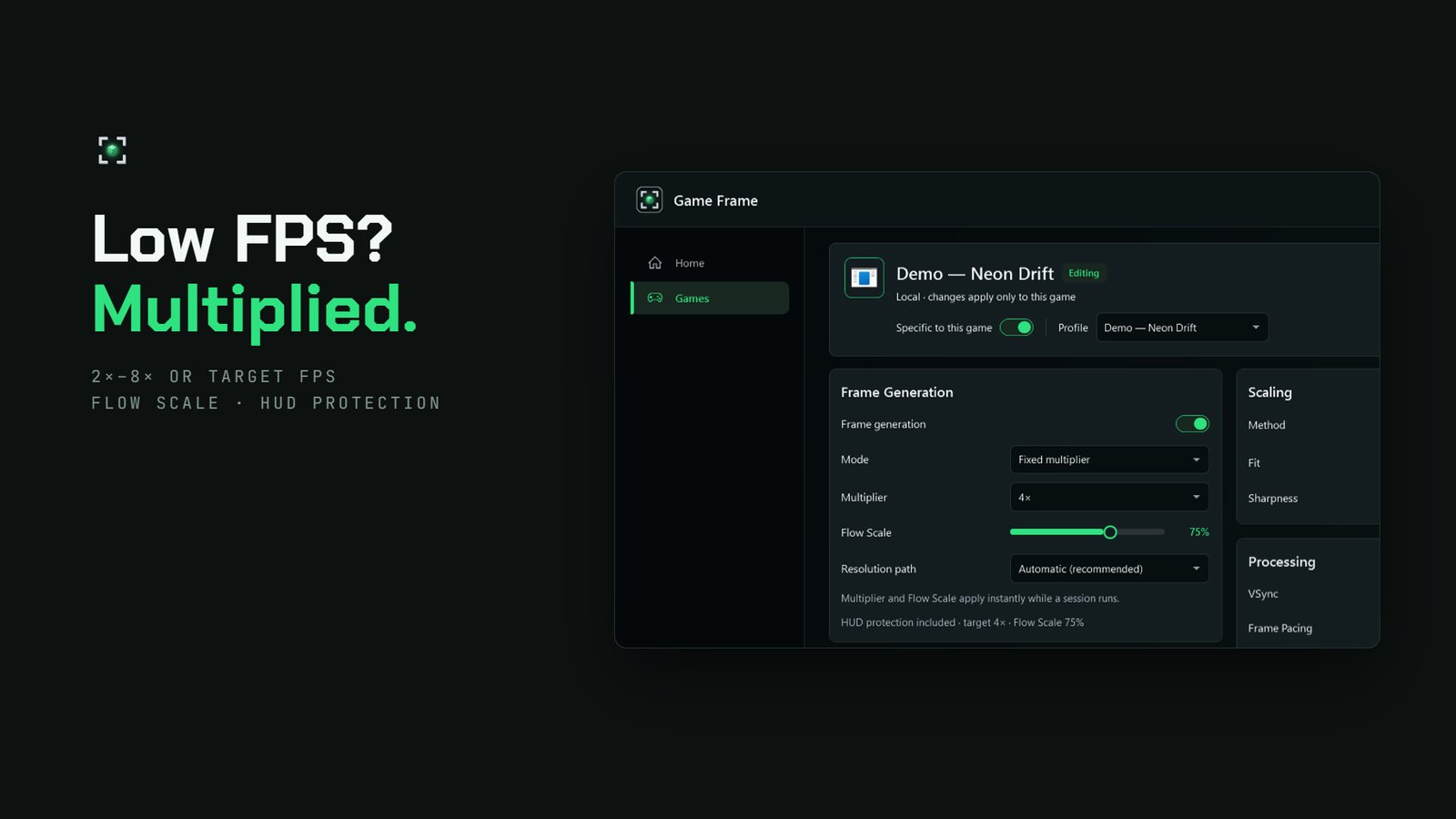
Frame generation
- Fixed 2×–8× multipliers or a target-FPS mode
- Flow Scale to balance image quality against GPU cost
- HUD protection that aims to keep text, crosshairs and UI intact
- Automatic frame pacing
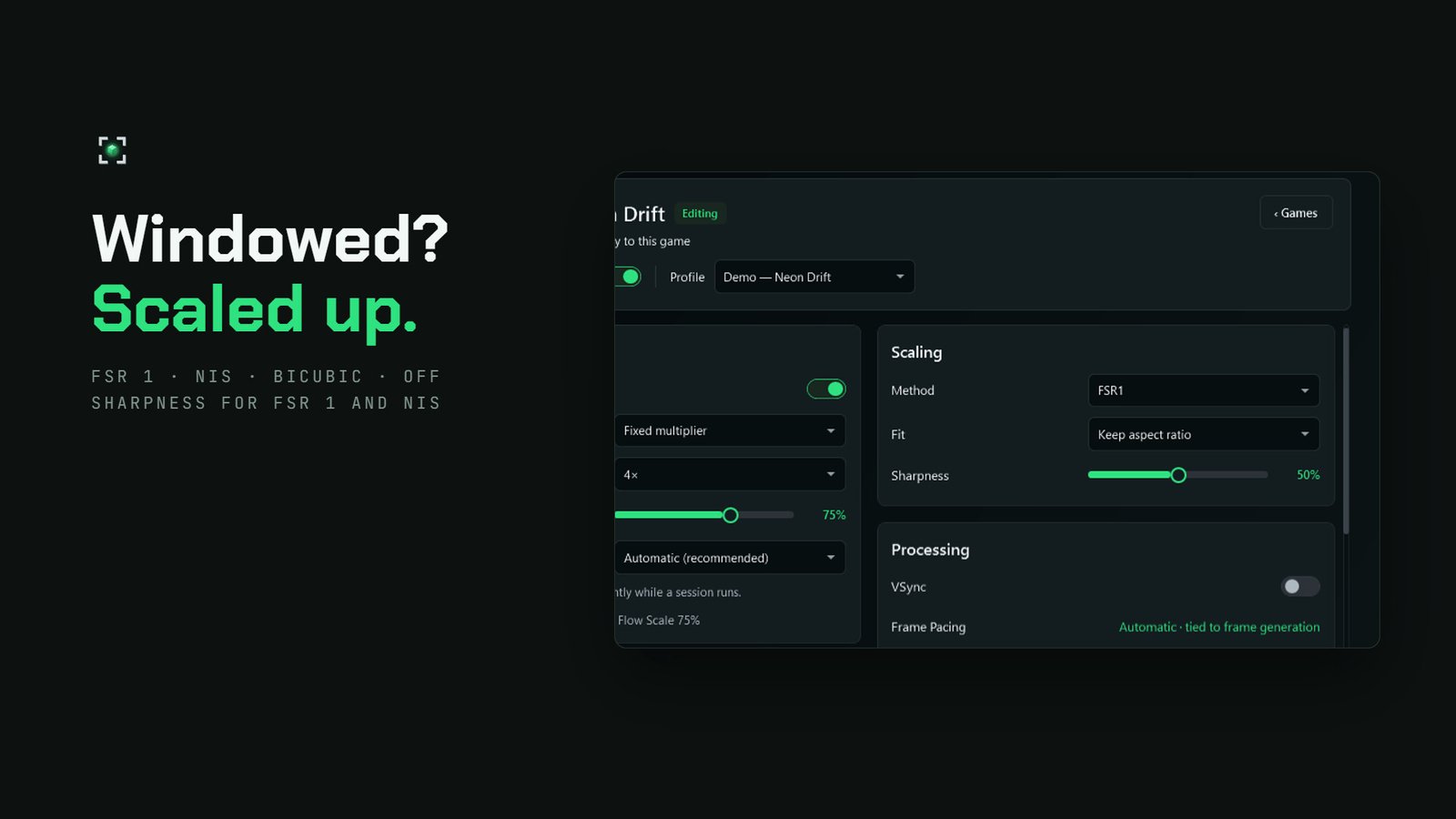
Upscaling
- FSR 1, NVIDIA Image Scaling (NIS), Bicubic or off
- Sharpening controls for FSR 1 and NIS
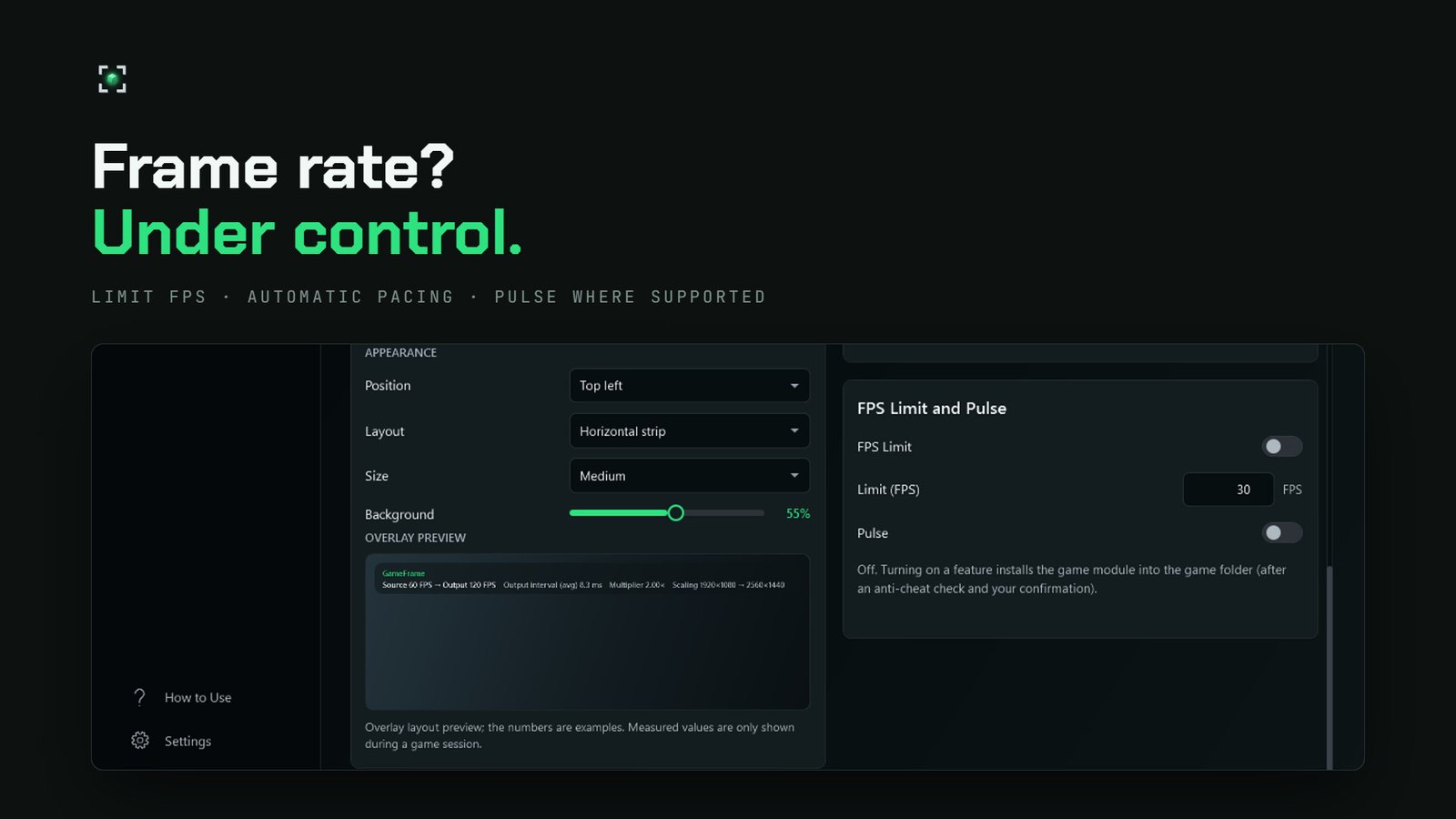
FPS and latency
- Frame-rate limiter
- Optional Pulse latency controls in supported games
Profiles
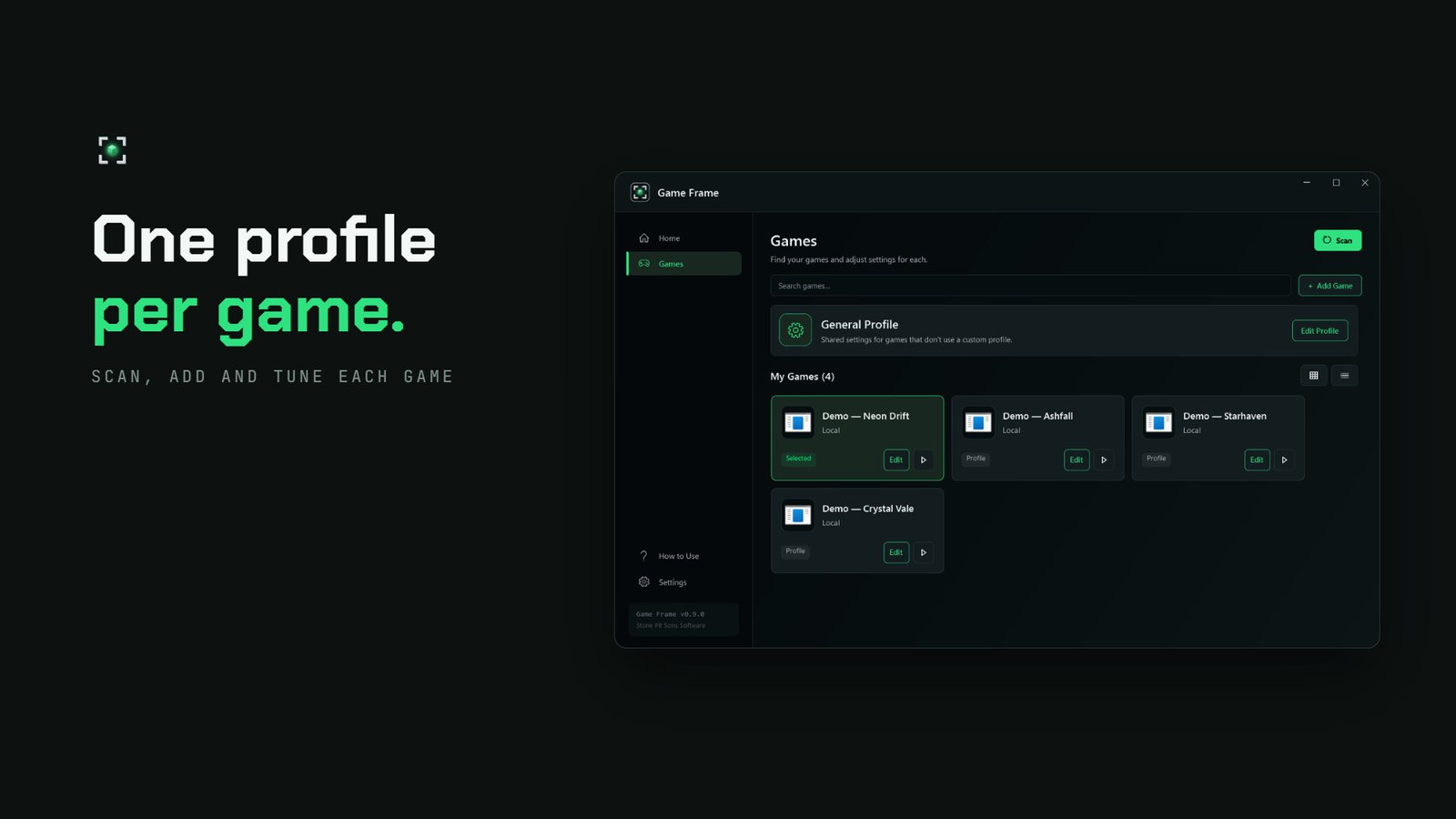
- Game libraries are found automatically, or you add games manually
- A global profile plus per-game profiles
- Multiplier and Flow Scale change without restarting the game
On-screen display
- Shows the game's own FPS and the output FPS separately
- Frame-time information
Shortcuts
Without leaving the game
| Ctrl + Alt + G | Start / stop a session |
|---|---|
| Insert | Open quick controls |
All shortcuts can be changed in settings.
Screenshots
The app
Before you start
Good to know
Frame generation isn't magic, and we'd rather say up front what it can and can't do. Results vary by game, GPU, resolution and settings.
The FPS limiter and Pulse use a game-side module meant only for games without anti-cheat. Don't enable them in anti-cheat-protected games.
We recommend running the game in windowed or borderless mode.
Frame generation currently requires SDR, so turn Windows HDR off.
They don't raise the game's simulation rate and don't guarantee lower input latency. Motion and HUD artifacts can appear.
Early Access
The road to 1.0
Game Frame entered Early Access on Steam on 25 September 2026. All the core features are in the app today; image quality and compatibility still vary from game to game.
We expect Early Access to last roughly 3–6 months. That's an estimate.
The price will go up at 1.0. If you buy during Early Access, you keep the full version without paying again.
Goals for 1.0
What we're working on
- Better frame generation and HUD protection quality
- Wider game and hardware compatibility
- Refined profiles and controls
These are goals, not guarantees. Roadmap →
System requirements
Windows
| Minimum | Recommended | |
|---|---|---|
| OS | Windows 10 64-bit | Windows 11 64-bit |
| RAM | 8 GB | 16 GB |
| GPU | Modern integrated GPU | DirectX 12 |
| DirectX | 11 | 12 |
Feedback
If something goes wrong
Post in the Steam Discussions. For technical issues, include the game, your hardware, your settings and the diagnostic package Game Frame generates. That lets us reproduce the problem on our side.
Buy
Game Frame is in Early Access on Steam
The price comes straight from Steam and is shown for your region. It goes up at 1.0, and buying now gets you the full version without paying again. Also available in a bundle with Game Compressor.