



Game Compressor
Free up disk space without deleting games.
Shrinks your installed games with Windows' built-in LZX compression. Games launch normally while compressed, and you can restore them in one click whenever you want.
How it works
Not a new algorithm, a Windows feature put to good use
Since Windows 10, the OS has shipped with transparent file compression algorithms called LZX and XPRESS. Game Compressor makes them practical for a whole game library. Files are never turned into ZIP or RAR archives. They stay compressed on disk and Windows decompresses them on the fly as they're read.
-
Scan
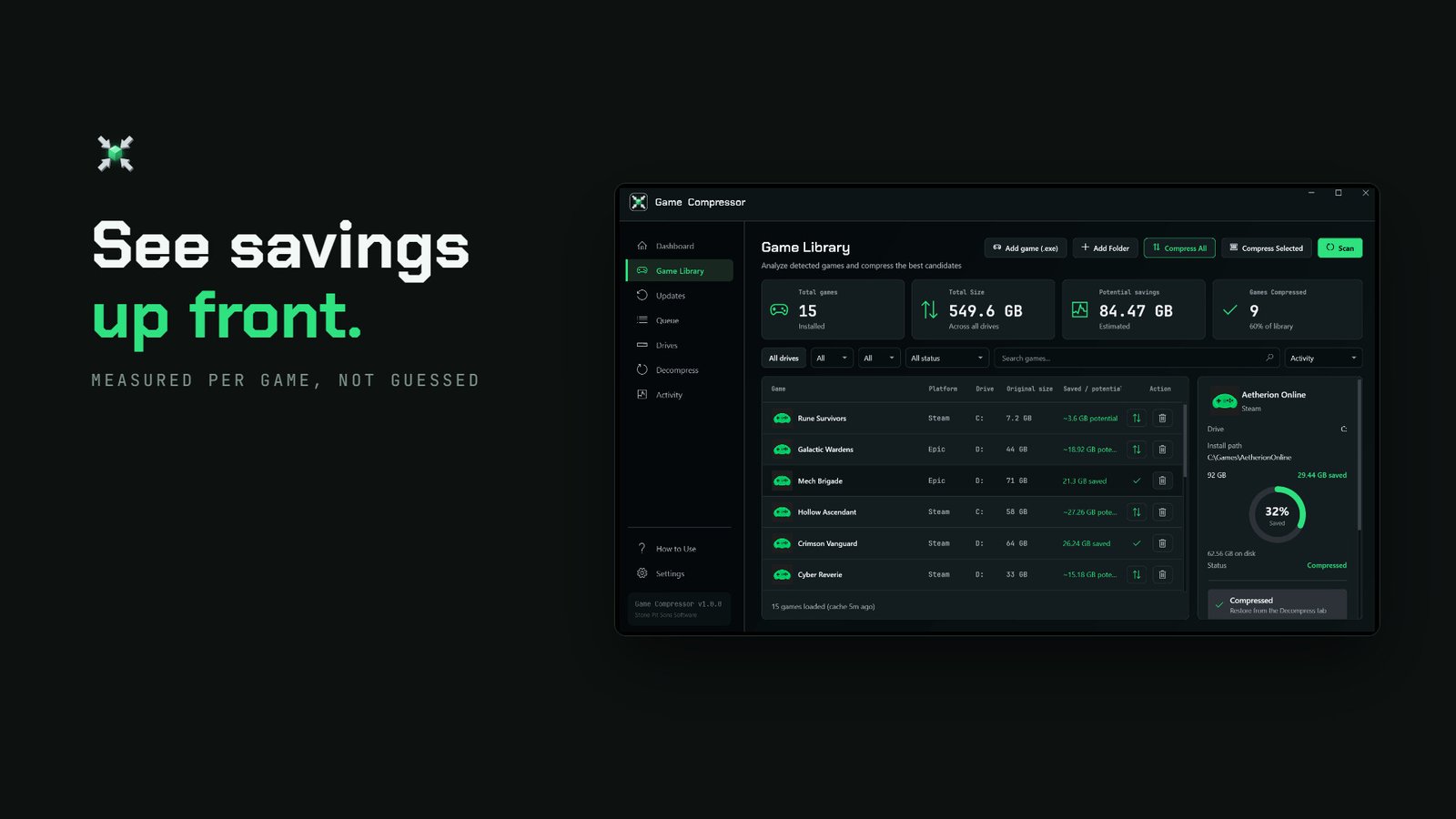
Your drives and game libraries are scanned and installed games are listed.
-
See the gain
Estimated savings are shown for each game before anything is touched. You can sort games by potential gain.
-
Queue
Add several games to the queue and they're compressed one after another.
-
Play
Games launch as usual, with nothing to extract.
Features
What's in the app
- Savings estimates
- Shows the expected savings for each game before you compress. Analyze All measures the whole library in one click.
- LZX or XPRESS
- Windows' own algorithms. File contents don't change, only how they're stored. Switching algorithms rewrites the files in place, in one step.
- Fast compression
- Files that are already compressed (video, game audio, images, archives) are skipped. Media-heavy games finish in roughly half the time with the same savings.
- Persistent queue
- Line up games; the queue survives closing the app, even a crash, and resumes where it stopped. If Steam is downloading to the same drive, the next job waits.
- Update detection
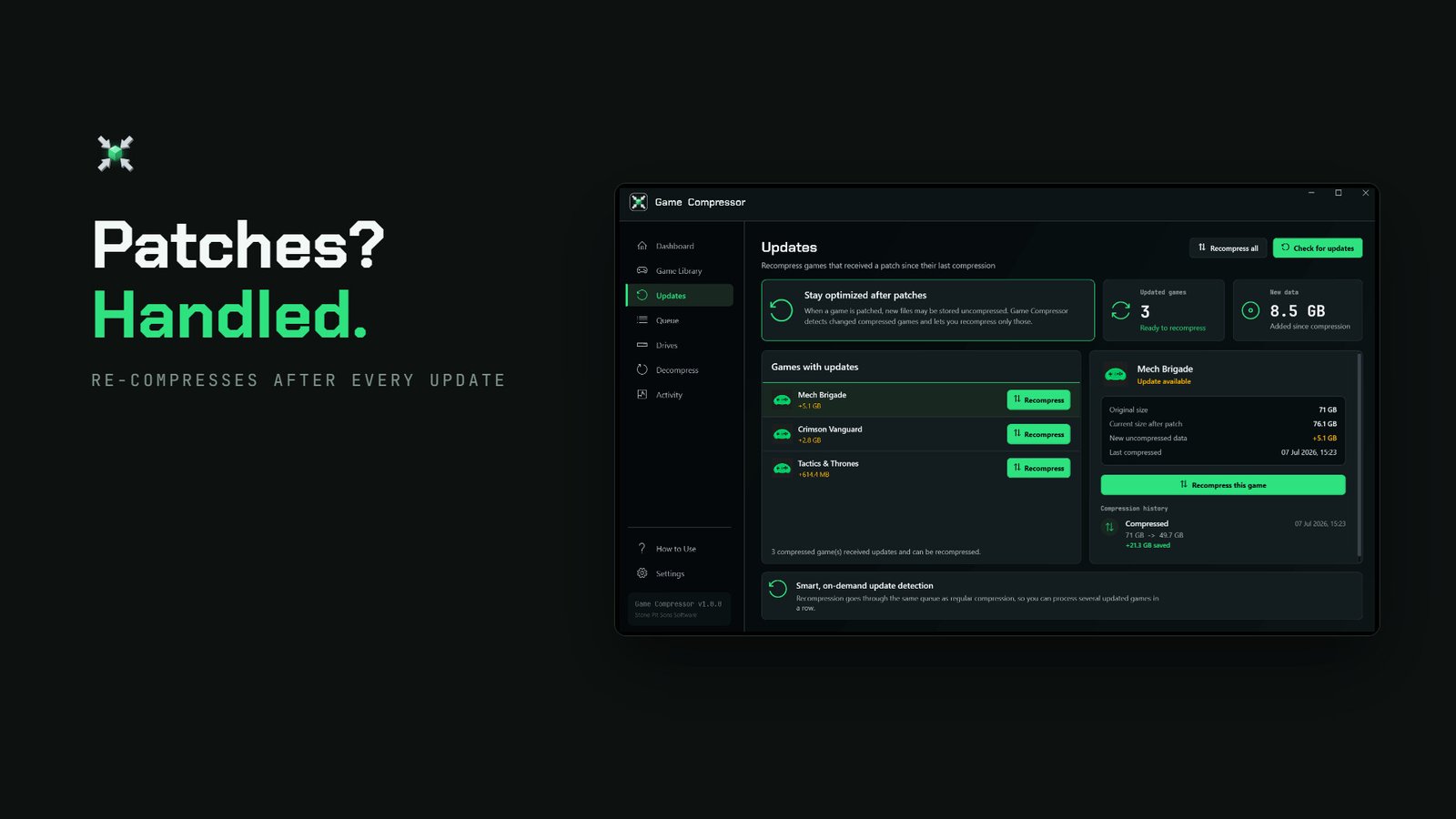
- Games with at least 16 MB of new data since their last compression are flagged on the Updates screen; small changes like save files don't count. The app doesn't need to stay open.
- One-click restore
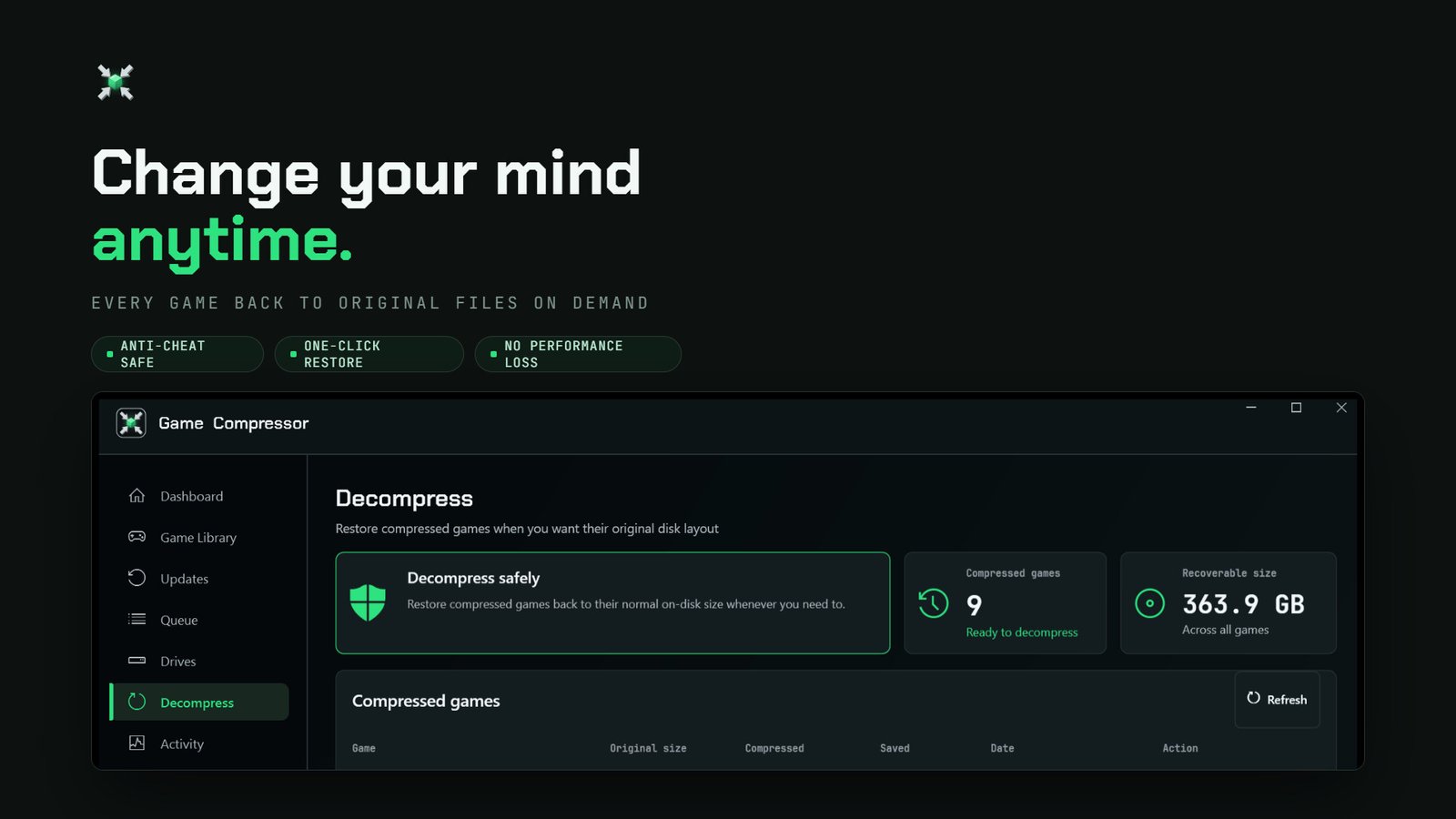
- Remove compression at any time from the Decompress screen. The game goes back to its original file layout.
- Compress from Explorer
- Turn it on in settings and right-click any folder in Windows Explorer to "Compress with Game Compressor".
- Drives, libraries, history
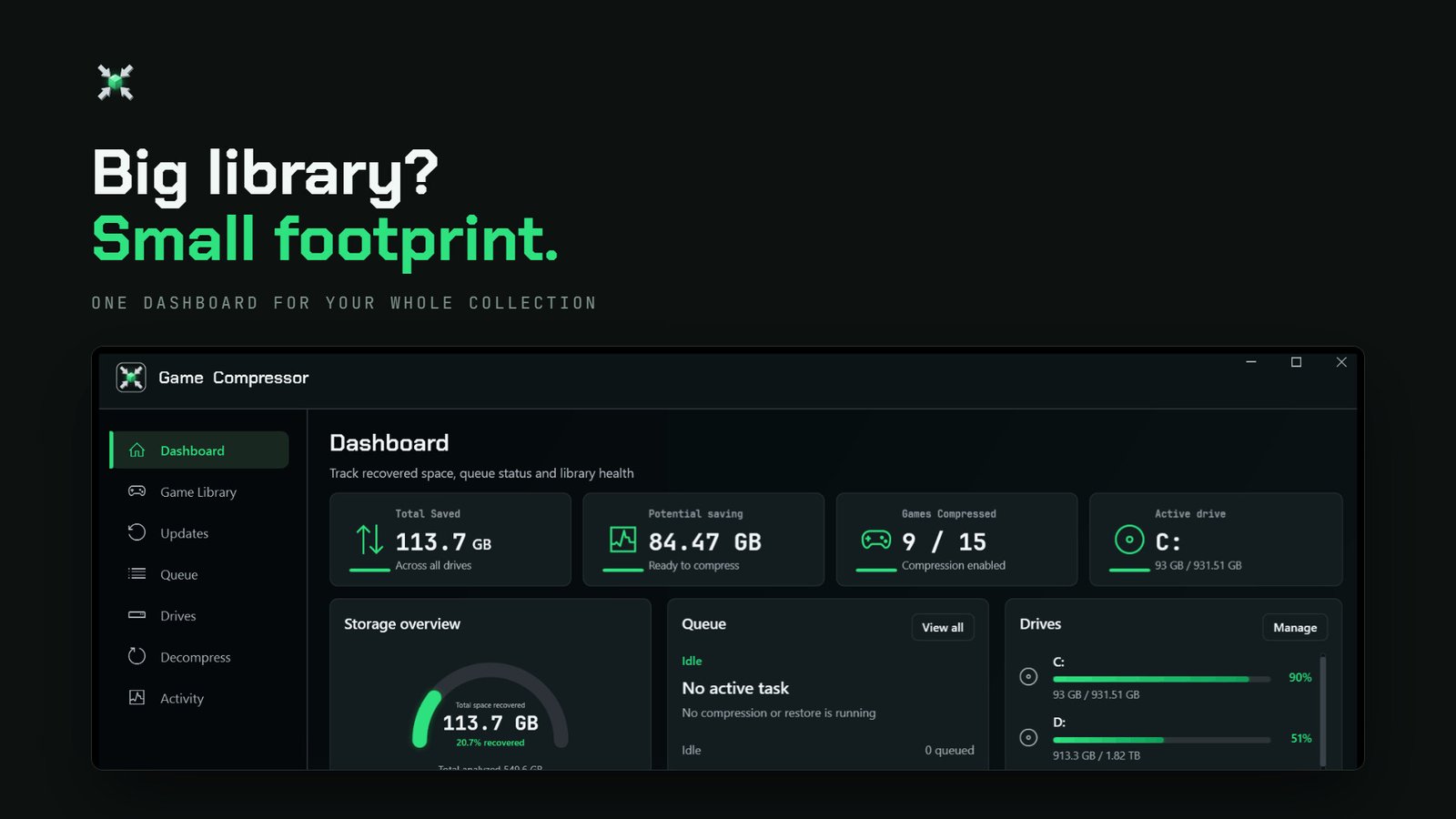
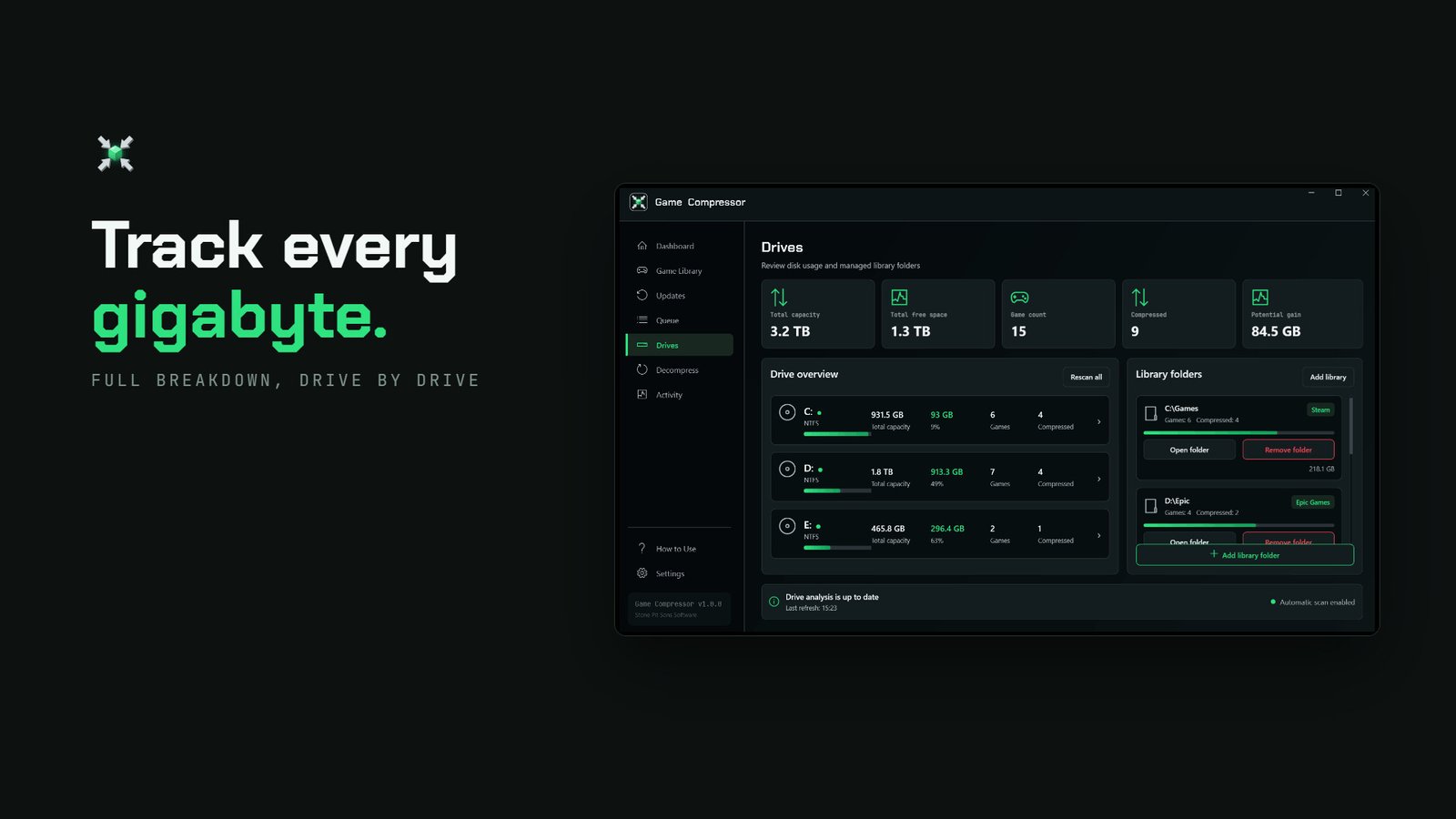
- Per-drive usage, library folders and a log of every operation, each on its own screen.
Screenshots
Seven screens, one job
Overview · Games · Queue · Updates · Decompress · Drives · Activity
What to expect
Honest numbers
Our Steam page says "up to 50%". That's a ceiling, not an average. The gain depends on how a game's files are packed.
Games with large audio, texture and data files shrink more. Games that are already heavily compressed shrink less. In one independent review, Cyberpunk 2077 saved about 2.2 GB out of an 85 GB install, while other games shrank much more.
Compression adds a little CPU work when files are read. On modern CPUs this is usually unnoticeable, but games that use DirectStorage can stutter or load longer. If the app finds dstorage.dll in a game's folder, it warns you before compressing, and auto-compress skips that game. Nothing is blocked; it's your call.
Game Compressor doesn't inject code into game memory, doesn't interfere with game processes and doesn't modify game code.
Who it's for
Anyone whose drive is full
- People on small SSDs
- Windows handheld owners, like ROG Ally and Legion Go
- Players with large libraries
- Game archivists
System requirements
Windows
| Minimum | Recommended | |
|---|---|---|
| OS | Windows 10 64-bit (1507+) | Windows 10 / 11 64-bit |
| CPU | Intel Core i3 / AMD | Intel Core i5 / Ryzen 5 |
| RAM | 4 GB | 8 GB |
| GPU | DirectX 11 | GTX 1050 |
| Storage | 500 MB | 500 MB |
| File system | NTFS drive required | |
Changelog
Recent updates
-
Everything in this release comes from the 45 reviews and forum threads written since v1.1.1.
- The queue now survives closing the app, even a crash, and resumes where it stopped.
- The algorithm shown (LZX/XPRESS) is now read from disk, and switching happens in place without a full decompress.
- On a 600-game test library, CPU use while compressing was cut in half. On 602 games, startup database rewrites dropped from 2,410 to 42.
- New: Analyze All, a live file counter, waiting while Steam downloads, "Compress All" ordering, closing the app when the queue finishes.
-
An update and a return to the forum feedback.
-
Out of Early Access.
- New logo and interface, dark and light.
- Fast compression: media-heavy games in roughly half the time, same savings.
- DirectStorage warning, Explorer right-click, compress any folder, and 10 new features in total.
-
Every number the app shows is now measured from disk, and the interface is translated into 30 languages.
-
Game Compressor launches on Steam.
SSS · FAQ
Common questions
Do compressed games run slower?
In most games you won't notice. One independent review saw no change in FPS or RAM use after compression. There's a little extra CPU work when files are read; see the note above about DirectStorage games.
What happens when a game updates?
Updated files are written uncompressed. The Updates screen lists games that changed since their last compression, and you can re-compress them from there.
Can I undo it?
Yes. Pick a game on the Decompress screen and remove compression. It returns to its original size and file layout.
Will it trigger anti-cheat?
Game Compressor never touches game processes or memory. It only changes how files are stored on disk, using Windows' own feature. File contents stay the same.
Smart App Control blocks the app on Windows 11
This is a known issue. Game Compressor isn't code-signed yet, and Smart App Control blocks unsigned programs it doesn't recognise; nothing is wrong with your PC. Signing the app is on our list, but we won't give a date we can't keep. We also won't tell you to turn Smart App Control off just for this app; it protects your whole system, and that decision is yours.
Is there a Linux or Steam Deck version?
No. The app is built on a Windows file-system feature, and no Linux version is planned for now. We'd rather say that than leave a "maybe" hanging.
Where do I report a problem?
Post in the Steam Discussions. Including the game, the drive type and what happened helps us track it down much faster. Steam ↗
Buy
Game Compressor is on Steam
The price comes straight from Steam and is shown for your region. Also available in a bundle with Game Frame.